

Summary: An ideal laptop for multitasking is one that can perform video chats, spreadsheets, web browsing, presentation, email, and business software without any lag. The following are some important factors to consider when choosing a laptop: CPU performance, adequate RAM, solid-state storage, and connectivity options. There is no need to purchase the latest model of laptop. Instead, a certified refurbished laptop will be an excellent choice that performs well every day at an economical cost.
A Good Laptop for Multitasking Starts With the Right Processor
The processor is probably one of the most crucial elements for the performance of your laptop. An Intel Core i5 or similar processor can be an excellent choice for routine office tasks like web browsing, documentation, video calls, accounting software, presentations, spreadsheets, and so on. Those professionals who deal with more complicated spreadsheets, software development, analytics, design or other complex applications should prefer an Intel Core i7 or a similar processor. Moreover, the generation of your CPU plays an important role. A processor of the latest generation is typically more efficient and performs faster than the very old processor of the same brand and family.
It does not mean that you always need the most costly CPU. You need just to find the processor corresponding to the software you usually run. It is crucial when you purchase a refurbished laptop. Good business-class laptops equipped with a decent processor will serve well enough for your day-to-day productivity at the significantly lower price.
RAM Makes a Big Difference in a Laptop for Multitasking
One thing that you should never overlook for office productivity is RAM. RAM is what enables your laptop to run several applications at once. If your laptop does not have enough RAM, then it might become laggy while switching through different apps like your browser windows, Excel files, video meetings, etc. For basic office operations, 8GB RAM would do just fine. But in case your job requires you to juggle several apps, big spreadsheets, lots of browser tabs, some creativity software or development tools, 16GB of RAM could definitely make your life easier.
Before you buy any used laptop models for your office work, always see how much RAM it has as well as if it can be upgraded in the future.
SSD Storage Should Be a Priority
Storage capacity is just one of the storage considerations when buying a laptop.
The kind of storage used could make a significant difference in how fast your laptop performs. With an SSD drive, your Windows would boot faster, your apps will launch faster, and opening files would happen faster than with a regular hard drive storage. SSD storage is becoming a necessity in the era of remote work and working from home.
For cloud-based jobs, 256GB of SSD storage could be sufficient. If your job requires a lot of storage of presentations, videos, design files, databases, and projects’ folders, 512GB of SSD storage would be better. While looking for a certified refurbished laptop, it is worth noting that having an SSD storage option could give you better user experience rather than just good specs on the paper.
Choose a Comfortable Display for Long Working Hours
Most office professionals have to spend a lot of time each day looking at their screens. Thus, it is not the only element which matters in this regard. A 14-inch laptop will be perfect for those who travel quite often or move from one place to another. Such a laptop strikes the balance between the screen size and mobility.
The laptop with the 15.6-inch screen will provide you with more screen space that will help when dealing with spreadsheets, dashboards, presentations, etc. You might also consider full HD screen resolution in case of your professional work as the text becomes sharper there and you can manage several windows comfortably. In case you intend to purchase secondhand laptops online, remember to pay attention to the screen size and its resolution instead of price.
Battery Life Matters for Hybrid Work
Work is not always done near a power point. You could be having meetings from a different location, moving around, meeting with a client or working at a café while in between appointments.
That’s why the status of the battery becomes a crucial aspect to consider when buying a laptop for multitasking. The battery status can obviously differ from one laptop to another based on age of the laptop, load of the laptop, brightness of the screen, background applications and battery status, especially when buying a second-hand laptop. It’s better to buy a certified laptop than an unproven used laptop bought from an untrusted source.
The latter means buying a used laptop which has been certified through functional testing before being put up for sale.
Business-Class Refurbished Laptops Can Be a Smart Alternative
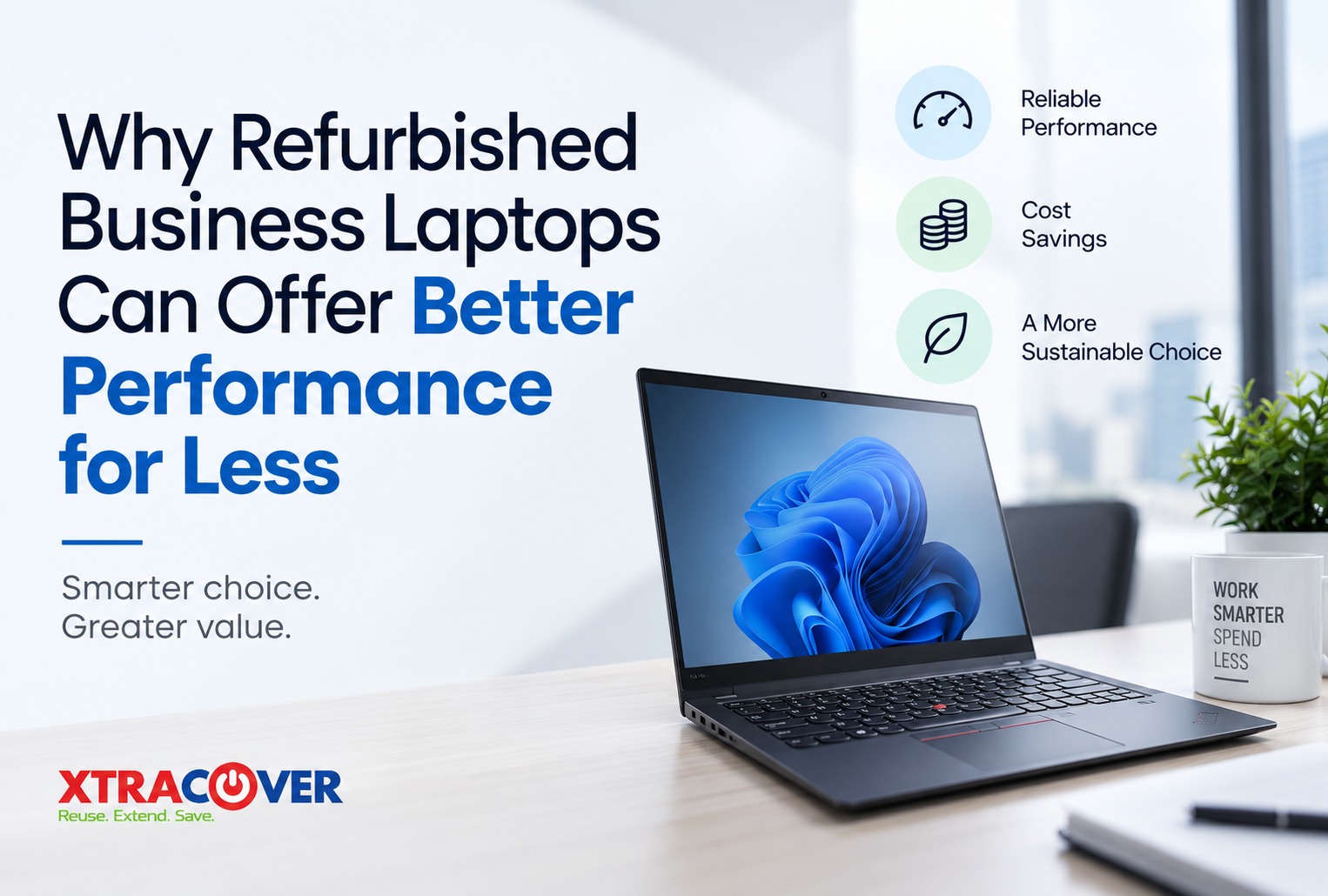
It is a misconception that high-level performance at work demands buying a newly launched laptop. It does not have to be that way.
Quite a few laptops intended for professionals were built as such in the first place. Depending on how they are equipped and maintained, they may still perform all tasks of an office worker like working with spreadsheets, using video conferencing services and web applications. What makes the difference is refurbished versus just used laptop.
Any old laptop can be purchased with no guarantee of its state. On the contrary, a correctly inspected and refurbished laptop goes through a verification process before reselling. Thus, in the situation when one needs to stay within the limits of his/her technology budget, purchasing refurbished laptop models from a reliable platform becomes a more logical option than buying an old laptop anywhere else.
Final Thoughts
The best laptop for work should assist you in going through your workday while not being constantly reminded of performance each couple of minutes.
One needs to look for such components as a competent processor, enough RAM, SSD storage, good display, good connectivity, reliable battery performance, and proper testing of hardware. The combination of these factors makes up a trustworthy laptop for multitasking suitable for home and office use. There is no need to confine yourself only to new computers. People buying used laptops can find professionally tested products offering a better compromise between performance and price. Here one should consider choosing a trustworthy platform. XtraCover concentrates on providing only refurbished laptops with testing procedures and warranty services, thus allowing buyers to feel much more secure when buying compared to buying a used laptop from some private seller.
If you want to purchase refurbished laptop models for working, studying, business purposes, and just general productivity, you may check out certified refurbished devices available at XtraCover.
FAQs
1. How much RAM is good for a laptop for multitasking?
For everyday office work, 8GB RAM can handle common tasks such as documents, browsing, emails, and video calls. If you regularly keep many applications or browser tabs open, 16GB RAM can provide a smoother multitasking experience.
2. Is an Intel Core i5 enough for work-from-home use?
For most professionals, an Intel Core i5 or a comparable processor is suitable for everyday productivity, video conferencing, presentations, spreadsheets, web applications, and general office software. More demanding workloads may benefit from a higher-performance processor.
3. Is a certified refurbished laptop suitable for office work?
Yes, provided the device has the right configuration and has been properly tested. A professionally refurbished business laptop can be suitable for emails, spreadsheets, meetings, browsing, presentations, and many other everyday professional requirements.
4. Should I buy refurbished laptops instead of second-hand laptops?
A certified refurbished device can offer more assurance than an unverified second-hand laptop because it has been inspected and tested before resale. Buying from a trusted seller that provides warranty support also reduces some of the uncertainty associated with unknown used-device sellers.
5. Is 256GB SSD enough for office use?
For users who primarily work with cloud storage, documents, spreadsheets, browser applications, and email, 256GB can be sufficient. Professionals storing large media files, project folders, development environments, or creative assets may prefer 512GB or more.